
Astropy
Astropy is a community python library for Astronomy to foster interoperability between astronomy packages.
Fedora Astronomy brings a complete open source toolchain to both amateur and professional astronomers.
The Spin provides the Fedora KDE desktop enhanced with a complete scientific Python environment and the AstrOmatic software for data analysis. KStars was added to provide a full featured astrophotography tool. As KStars uses the INDI library to control equipment, various telescopes, cameras etc. are supported. Summarized, Fedora Astronomy provides a complete set of software, from the observation planning to the final results.
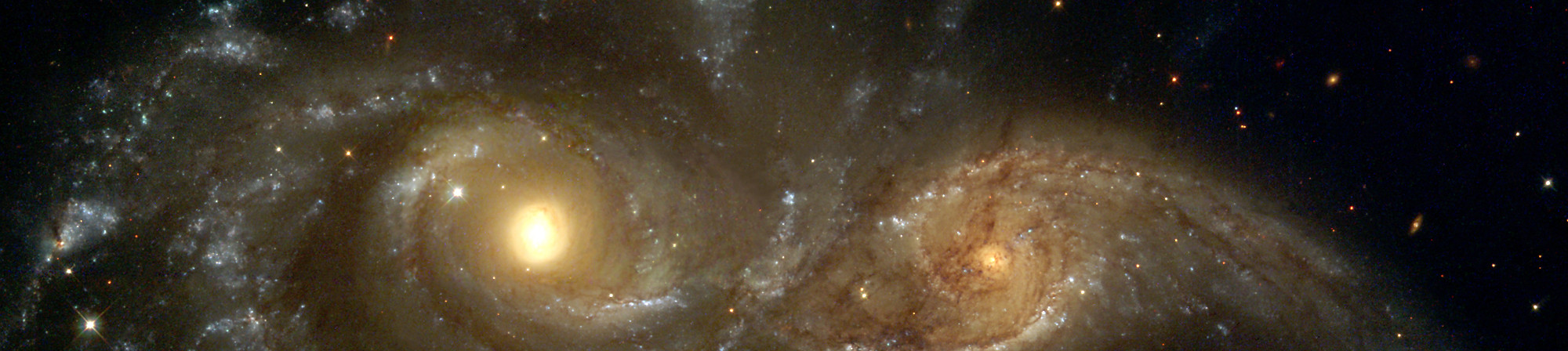
Astropy is a community python library for Astronomy to foster interoperability between astronomy packages.

Kstars provides an accurate graphical simulation of the night sky, from any location on Earth, at any date and time.

The free space simulation that lets you explore our universe in three dimensions.

Allow you to visualize any planet aspect at any time. Include extended feature database and texture.
Siril, a free astronomical image processing software.

The INDI Library is a cross-platform software designed for automation and control of astronomical instruments.

A powerful image composition and graphic editing app, similar to Adobe® Photoshop™.

Redshift adjusts the color temperature of your screen according to your surroundings.

AstrOmatic is a set of astronomical pipeline software.
發行日期: 2024年4月23日 星期二
在您下載映像檔以後,請務必核驗檔案的安全性與完整性。
計算您電腦上映像檔的校驗碼,然後與原始校驗碼相比較,你就能核驗映像檔是不是有遭人竄改,或是檔案有所毀損。映像檔也有經過 Fedora 金鑰作 gpg 簽章,以示誠信。
Click the verify button to download the checksum file for your downloaded image.
匯入 Fedora 的 GPG 金鑰
curl -O https://fedoraproject.org/fedora.gpg
你可以前往這裡核驗 GPG 金鑰的詳細資料。
核驗校驗碼有效
gpgv --keyring ./fedora.gpg Fedora-Labs-40-1.14-*-CHECKSUM
核驗校驗碼有相符
sha256sum -c Fedora-Labs-40-1.14-*-CHECKSUM
如果輸出表示檔案有效,那麼就準備好可以使用了!

By clicking on and downloading Fedora, you agree to comply with the Fedora Export Control Policy.