
GIMP
A powerful image composition and graphic editing app, similar to Adobe® Photoshop™.
Looking for a ready-to-go desktop environment brimming with free and open source multimedia production and publishing tools? Try the Design Suite, a Fedora Spin created by designers, for designers.
The Design Suite includes the favorite tools of the Fedora Design Team. These are the same programs we use to create all the artwork that you see within the Fedora Project, from desktop backgrounds to CD sleeves, web page designs, application interfaces, flyers, posters and more. From document publication to vector and bitmap editing or 3D modeling to photo management, the Design Suite has an application for you — and you can install thousands more from the Fedora universe of packages.
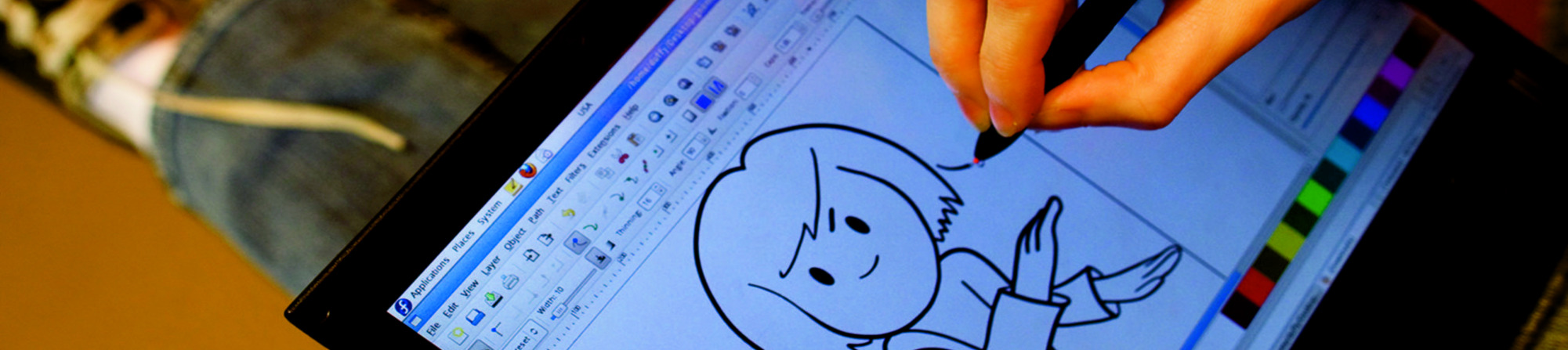
A powerful image composition and graphic editing app, similar to Adobe® Photoshop™.

An easy-to-use vector graphics editor, similar to Adobe® Illustrator™.

An all-in-one 3D graphics suite, with tools for modeling, animation, rendering and post-production.

A virtual light-table and darkroom for photographers; includes tools to develop and enhance raw images.

A creative sketching and digital painting app, modeled on real-life painting materials and workflows.

A desktop publishing and page layout application with professional publishing features.

Easy file sharing based on git. Share, backup, and collaborate on design assets.

A powerful multi-track non-linear video editor that includes editing, transcoding, effects and transitions.

Manage, install, and generate color profiles for your desktop. Keep your screen calibrated!
發行日期: 2024年4月23日 星期二
在您下載映像檔以後,請務必核驗檔案的安全性與完整性。
計算您電腦上映像檔的校驗碼,然後與原始校驗碼相比較,你就能核驗映像檔是不是有遭人竄改,或是檔案有所毀損。映像檔也有經過 Fedora 金鑰作 gpg 簽章,以示誠信。
Click the verify button to download the checksum file for your downloaded image.
匯入 Fedora 的 GPG 金鑰
curl -O https://fedoraproject.org/fedora.gpg
你可以前往這裡核驗 GPG 金鑰的詳細資料。
核驗校驗碼有效
gpgv --keyring ./fedora.gpg Fedora-Labs-40-1.14-*-CHECKSUM
核驗校驗碼有相符
sha256sum -c Fedora-Labs-40-1.14-*-CHECKSUM
如果輸出表示檔案有效,那麼就準備好可以使用了!
By clicking on and downloading Fedora, you agree to comply with the Fedora Export Control Policy.