
IPython
IPython is an enhanced interactive shell with various features to support rapid interactive computing.
Wary of reinstalling all the essential tools for your scientific and numerical work? The answer is here. Fedora Scientific Spin brings together the most useful open source scientific and numerical tools atop the goodness of the KDE desktop environment.
Fedora Scientific currently ships with numerous applications and libraries. These range from libraries such as the GNU Scientific library, the SciPy libraries, tools like Octave and xfig to typesetting tools like Kile and graphics programs such as Inkscape. The current set of packages include an IDE, tools and libraries for programming in C, C++, Python, Java and R. Also included along with are libraries for parallel computing such as the OpenMPI and OpenMP. Tools for typesetting, writing and publishing are included.
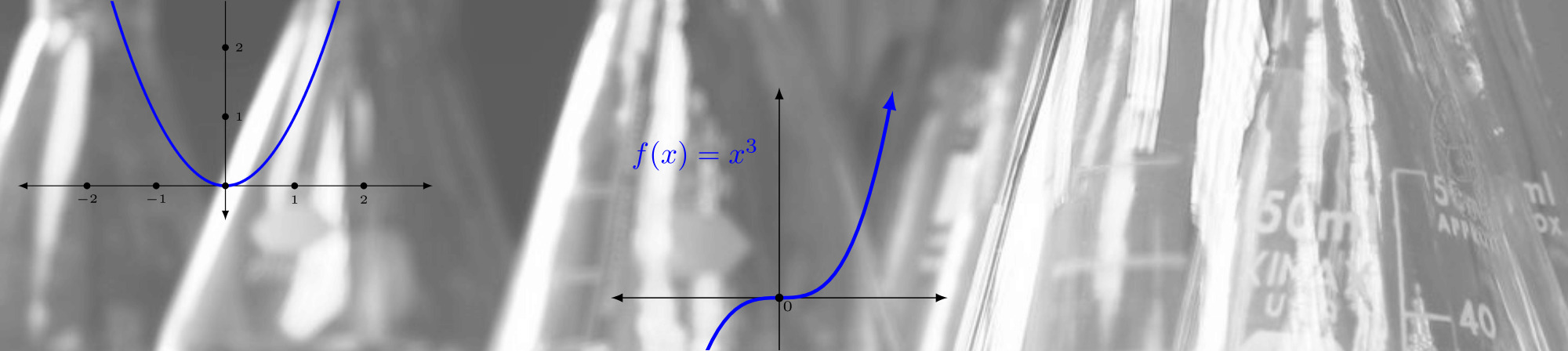
IPython is an enhanced interactive shell with various features to support rapid interactive computing.

Pandas is a Python library mostly useful for data analysis.
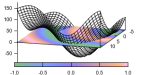
Gnuplot is a command line driven utility for creating 2D and 3D graphs.

Matplotlib is the most feature-rich Python library for creating publication ready graphs and figures.

R is a software environment for statistical computing.

Maxima is a computer algebra system.

Fedora Scientific includes the complete toolchain needed for creating documents using LaTeX.

GNU Octave is a high level programming language and numerical computing environment, mostly compatible with MATLAB.

The GNU Scientific Library is a C/C++ library providing a extensive collection of mathematical routines.
發行日期: 2024年4月23日 星期二
在您下載映像檔以後,請務必核驗檔案的安全性與完整性。
計算您電腦上映像檔的校驗碼,然後與原始校驗碼相比較,你就能核驗映像檔是不是有遭人竄改,或是檔案有所毀損。映像檔也有經過 Fedora 金鑰作 gpg 簽章,以示誠信。
Click the verify button to download the checksum file for your downloaded image.
匯入 Fedora 的 GPG 金鑰
curl -O https://fedoraproject.org/fedora.gpg
你可以前往這裡核驗 GPG 金鑰的詳細資料。
核驗校驗碼有效
gpgv --keyring ./fedora.gpg Fedora-Labs-40-1.14-*-CHECKSUM
核驗校驗碼有相符
sha256sum -c Fedora-Labs-40-1.14-*-CHECKSUM
如果輸出表示檔案有效,那麼就準備好可以使用了!

By clicking on and downloading Fedora, you agree to comply with the Fedora Export Control Policy.